Overview
Power Query Fundamentals Overview
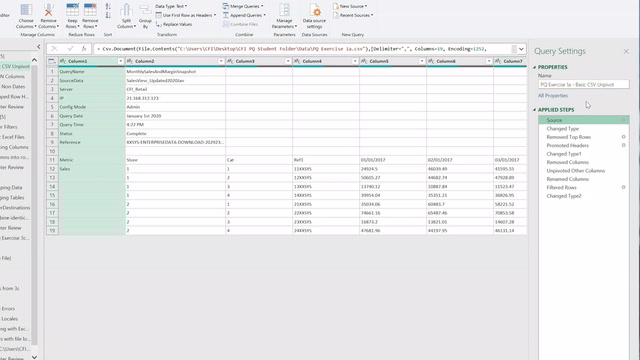
Master the art of efficient data handling with Power Query, a vital tool for modern data professionals. This course guides you through the essentials of data extraction and transformation, teaching you to seamlessly integrate data from multiple sources. You’ll learn common techniques for cleaning and restructuring datasets, ensuring they are analysis-ready. By mastering these skills, you’ll transform time-consuming data preparation into an efficient, automated process.
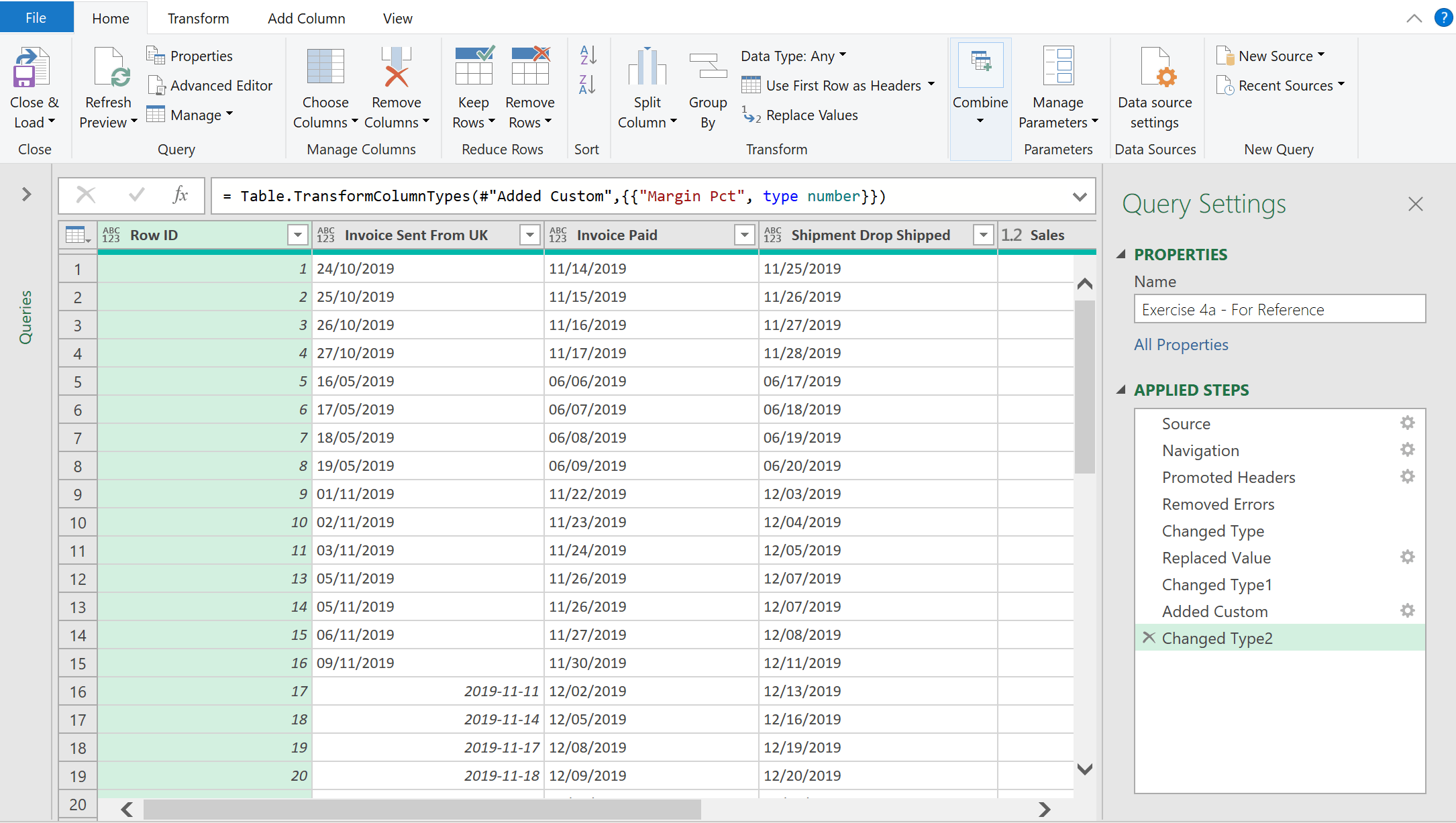
Dive into the practical applications of Power Query in real-world scenarios. We’ll cover automation of data connections, consolidation of data from multiple files, and effective troubleshooting of common issues. Designed for both Excel-focused analysts and Business Intelligence professionals, this course equips you with the expertise to spend less time on data manipulation and more on delivering impactful insights.
Who should take this course?
This Power Query course is perfect for anyone who wants to build up their understanding of Business Intelligence. This course is designed to equip anyone who desires to begin a career in data analysis, quantitative analysis, business intelligence, or other areas of finance with the fundamental knowledge of Power Query.
Software requirements
Power Query is available in most versions of Microosft Excel and Power BI. To find out if it is specifically available in your version, follow this link:
https://learn.microsoft.com/en-us/power-query/power-query-what-is-power-query#where-can-you-use-power-query
Power Query Fundamentals Learning Objectives
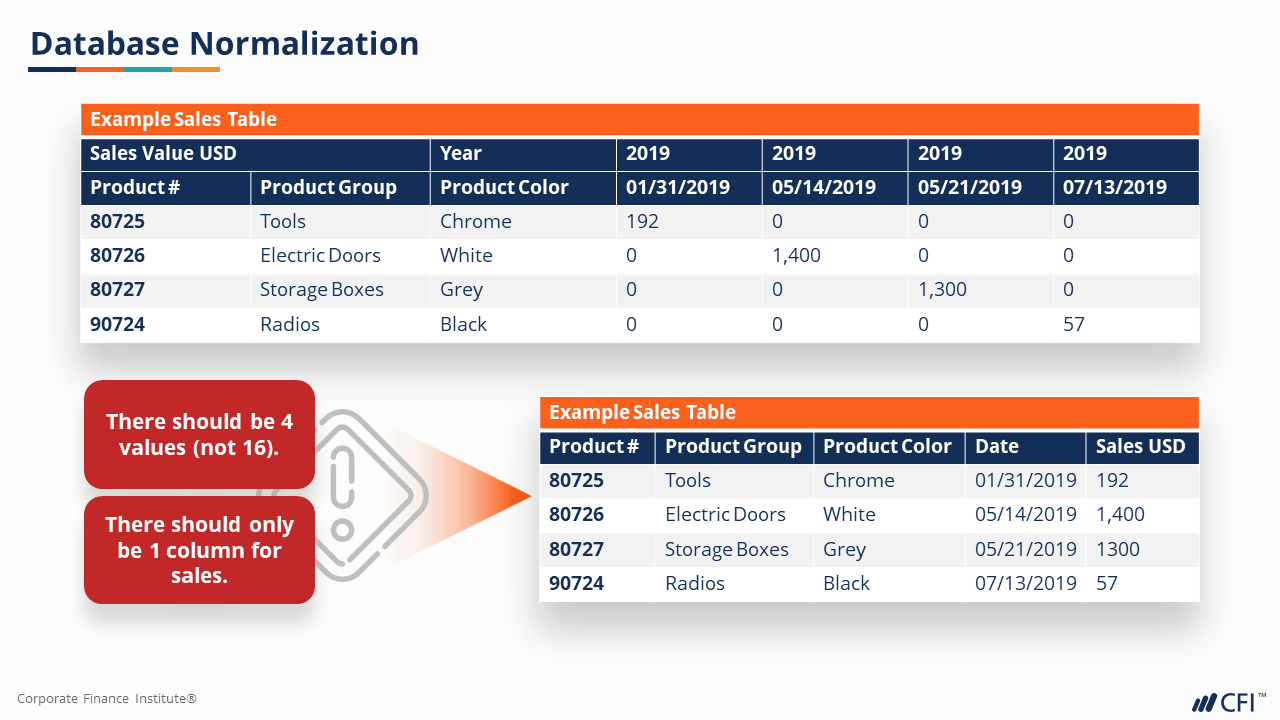
- Identify the characteristics of good and bad data using the principles of data normalization
- Extract data from CSV and Excel files and automate basic transformations such as Pivot and Unpivot
- Extract information from fields that combine two or more values
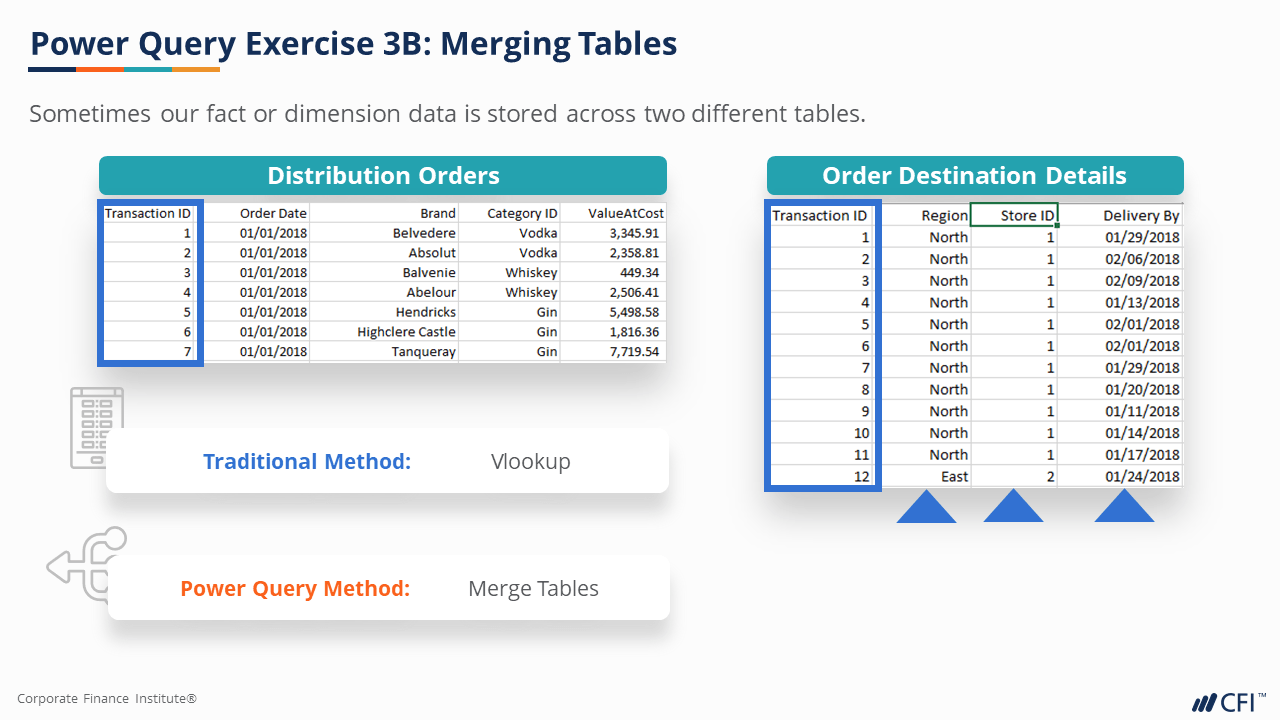
- Transform datasets by grouping or combining data from different tables or multiple files from the same folder
- Avoid, interpret, and fix errors and exceptions experienced in Power Query
- Load transformed data into Excel for use as automated data feeds
Prerequisite Skills
Recommended skills to have before taking this course.
- Excel

Level 3
2h 41min
100% online and self-paced
Field of Study: Finance
Start LearningWhat You'll Learn
Basic Transformations
Extracting Information
Consolidating Data
Dealing with Errors
Course Summary
Qualified Assessment
This Course is Part of the Following Programs
Why stop here? Expand your skills and show your expertise with the professional certifications, specializations, and CPE credits you’re already on your way to earning.
Business Essentials Certificate
- Skills Learned Microsoft Excel, Word, PowerPoint, Business Communication, Data Visualization, Ethics
- Career Prep Sales Skills, People Management Skills, Relationship Management Skills, Business Analysis Skills
Data Analysis in Excel Specialization
- Skills Learned Data Modelling & Analysis, Data Transformation, Data Visualization
- Career Prep Data Analyst, Business Intelligence Specialist, Data Scientist, Finance Analyst
Business Intelligence Analyst Specialization
- Skills learned Data Transformation & Automation, Data Visualization, Coding, Data Modeling
- Career prep Data Analyst, Business Intelligence Specialist, Finance Analyst, Data Scientist
Financial Planning & Analysis Professional
- Skills You’ll Gain Accounting, Finance, Excel, Data Analysis, Financial Statement Analysis, Financial Modeling, Budgeting, Forecasting, Power Query, Power BI, Data Visualization, Economics, and more
- Great For The FPAP certification focuses on practical, desk-ready skills that are immediately applicable to current FP&A professionals or anyone seeking to land a role in FP&A





